Documentation Index
Fetch the complete documentation index at: https://help-center.hierarch.io/llms.txt
Use this file to discover all available pages before exploring further.
How to setup connection
Login to your Zapier account
Then navigate to your Zaps - https://zapier.com/app/zaps
Then search for Webhooks, make sure you have a paid account
Then click on that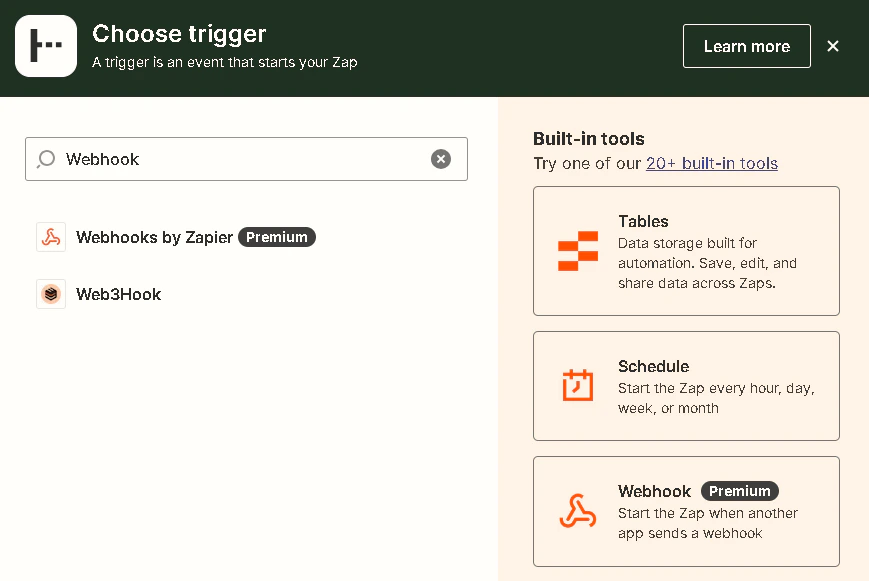
Set the Event to Catch Hook
Then on the Test tab, click the Copy button to copy the webhook URL
Then click the Continue button below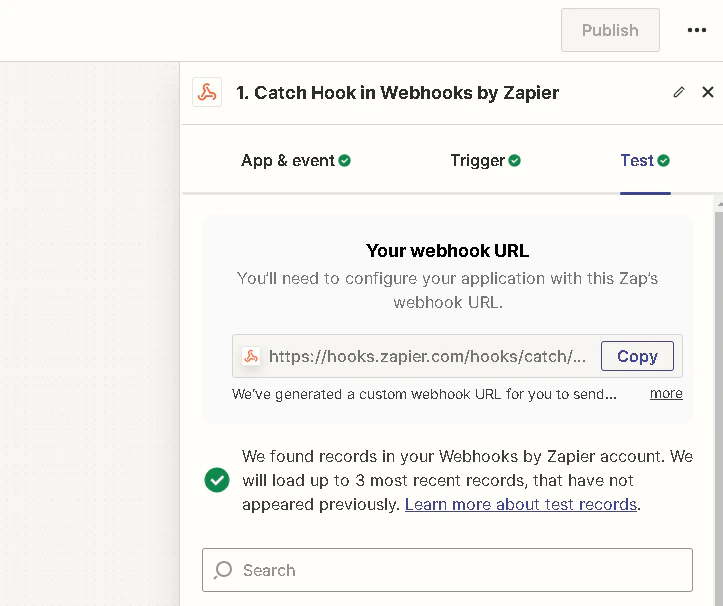
Then paste the webhook URL to your integrations panel
Tick the Connected to App checkbox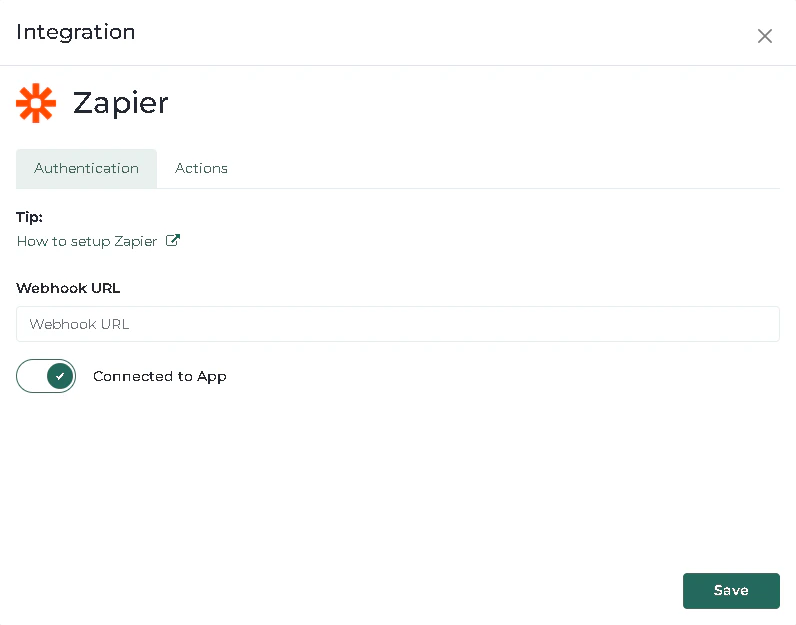
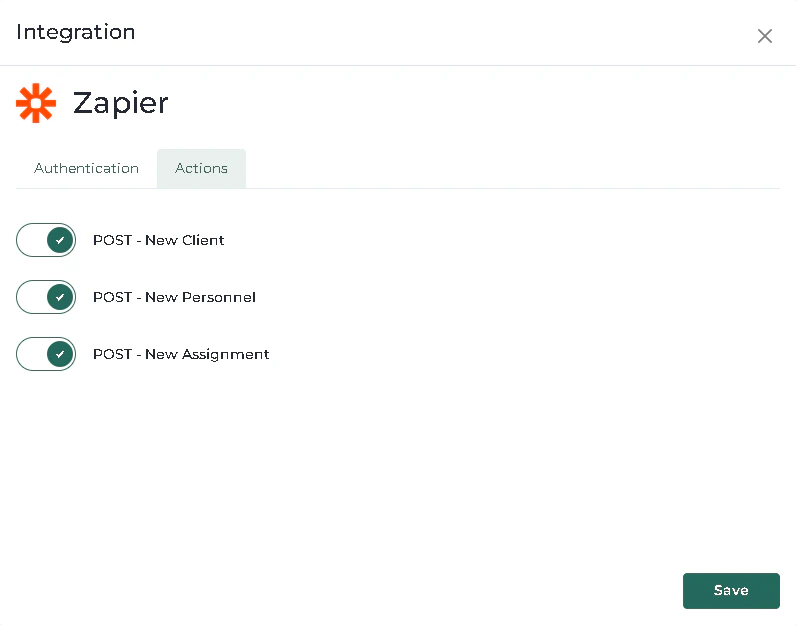
On the Actions tab, tick the checkboxes that you want.
Then hit Save