Documentation Index
Fetch the complete documentation index at: https://help-center.hierarch.io/llms.txt
Use this file to discover all available pages before exploring further.
How to setup connection
Login to your Airtable Account
Create your Workspace
Then create your first Base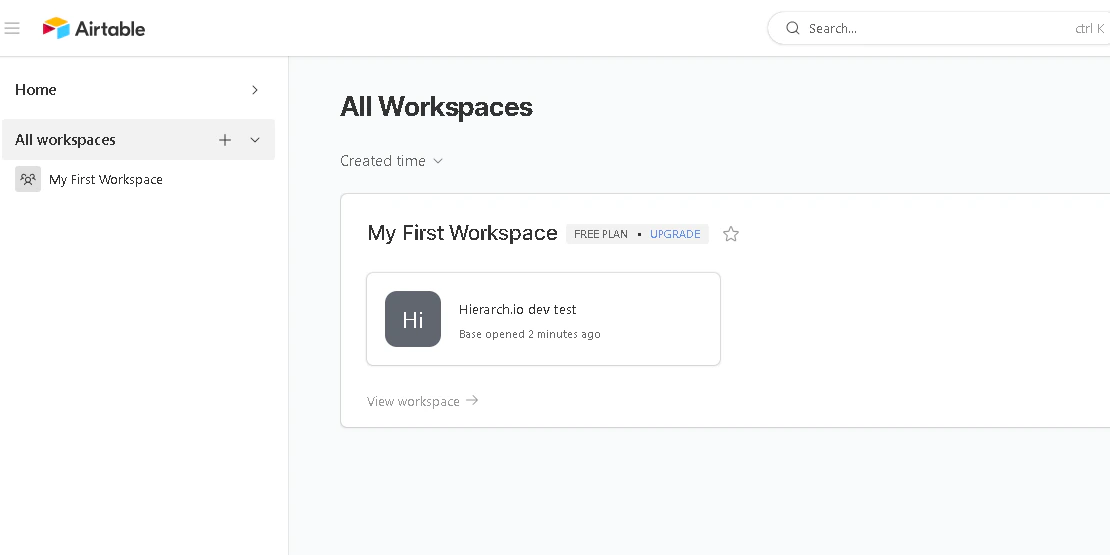
Click on your profile on the top right corner
Then click Developer hub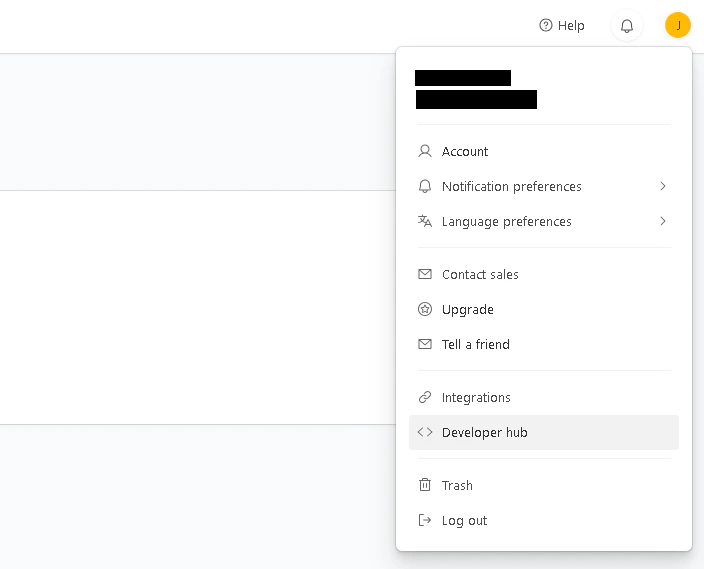
Click Personal access tokens
Then click Create token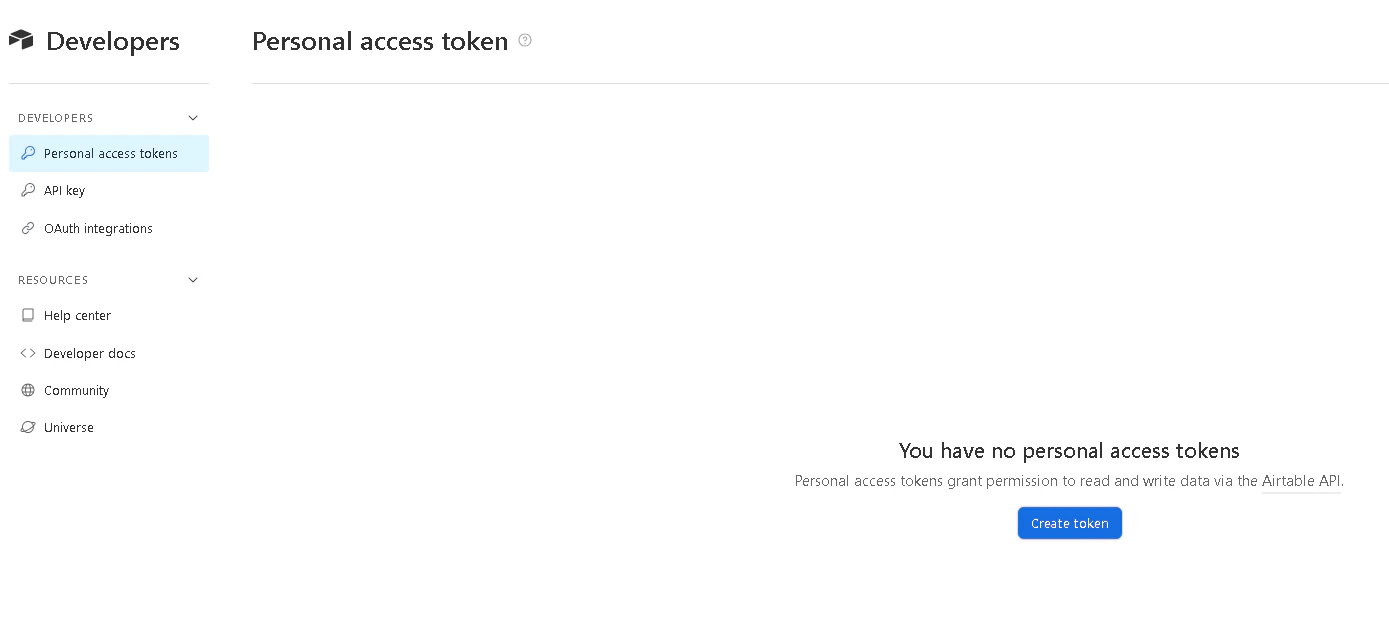
Give it a name
Add Scopes - data.records.read and data.records.write
Add a Base
Then hit Create Token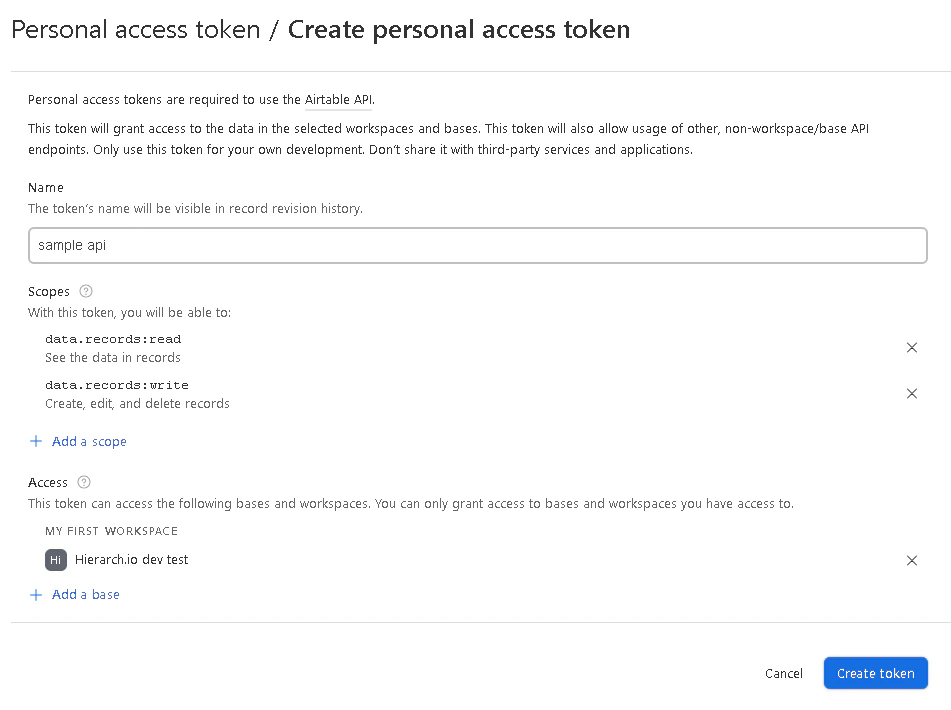
Copy your personal access token
And hit Done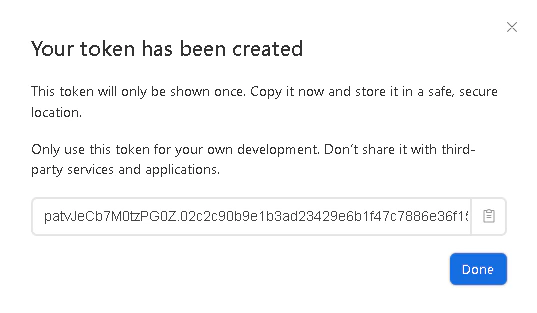
Paste your personal access token on the integrations panel
Click Connected to App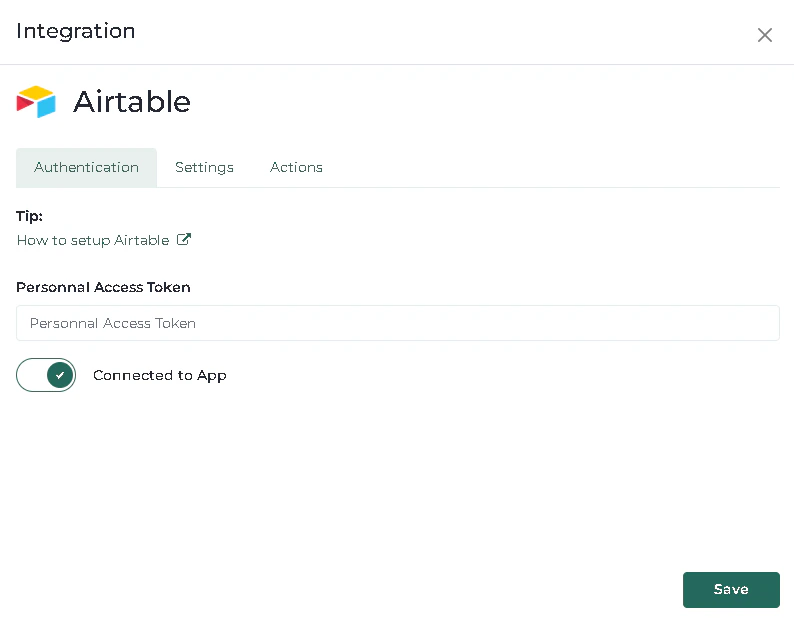
Go back to Airtable
Click Back to Home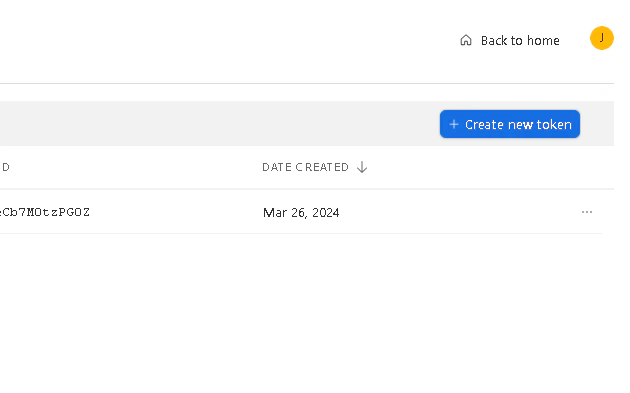
Copy the Base ID from the url
Copy the table ID from the url
Paste these info on the Settings tab on the integrations panel
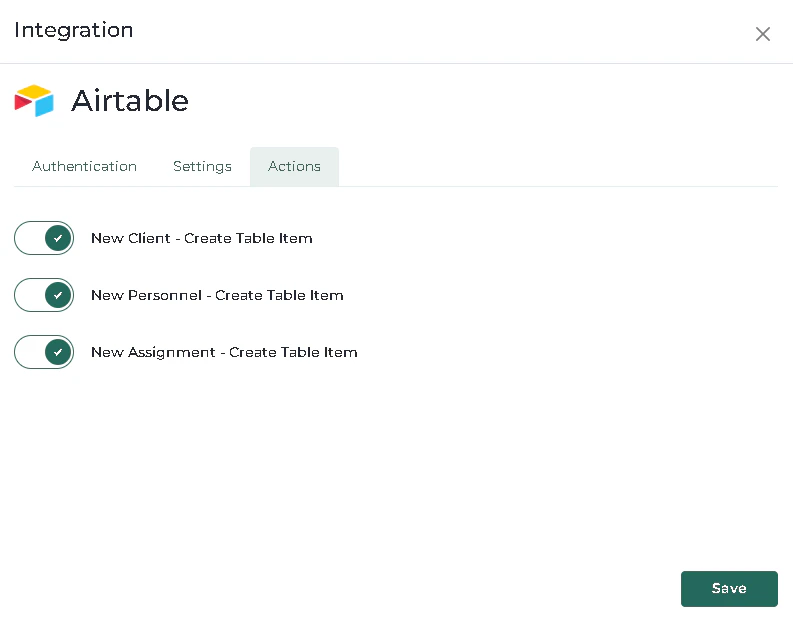
Go to Actions tab
And click the checkboxes you want
Then hit Save